What Is a NAS Drive and Why Data Recovery Matters
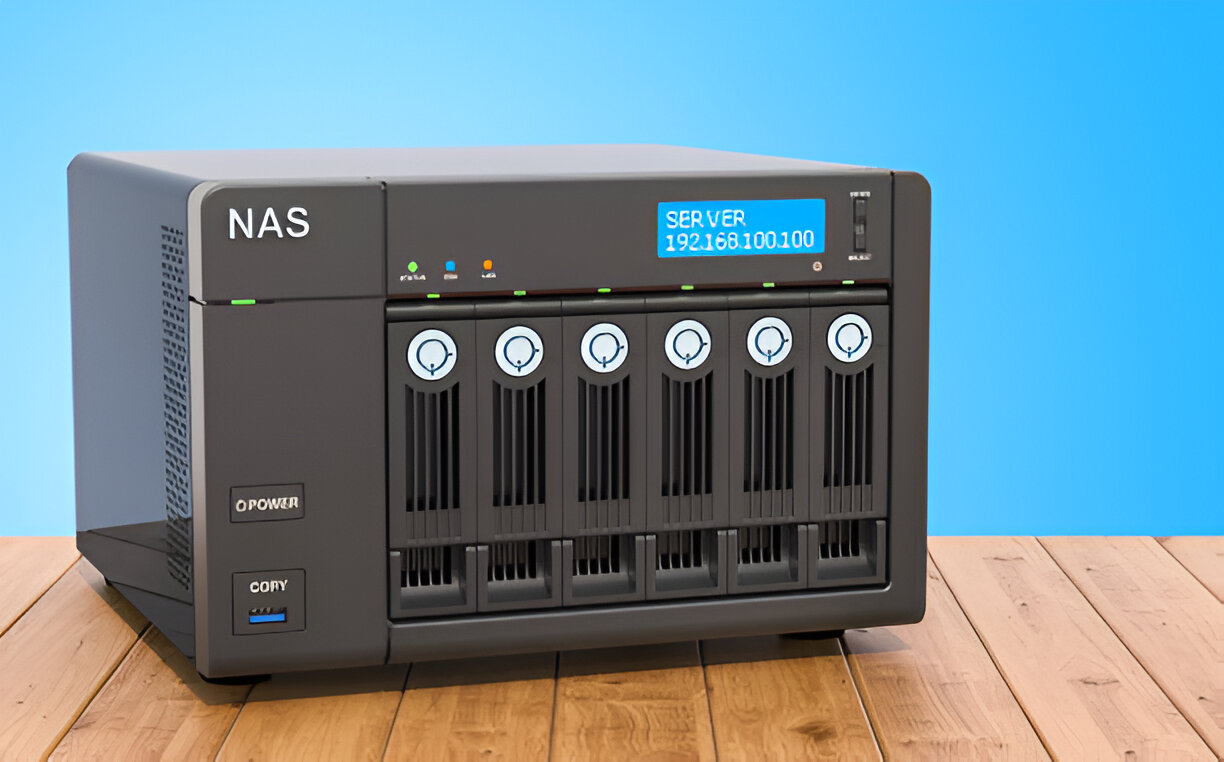
NAS stands for Network Attached Storage. It’s a storage device connected to your network that allows multiple users to store and access data. People use NAS drives for home backups, business file sharing, and media storage.
But sometimes, NAS drives fail with signs. It can happen due to:
- Power failure
- RAID corruption
- File system errors
- Hard drive failure inside NAS
When this happens, important data becomes inaccessible. Knowing how to recover data from NAS hard drive is critical to saving your files.
How to Recover Data from NAS Hard Drive: Full Process
Here’s a simple and complete guide to get your data back from a NAS drive.
Step 1: Identify the Type of NAS Failure
Before you begin recovery, find out what kind of issue you’re dealing with:
- Is the NAS not turning on?
- Can you access the NAS interface but not the data?
- Are you getting RAID errors?
- Is it a single-drive NAS or multi-drive RAID system?
Knowing the failure type helps decide your next move.
Step 2: Don’t Write Anything New to the NAS
Stop using the NAS immediately. Writing new data might overwrite your lost files. Unplug it safely and keep it off until recovery begins.
Step 3: Remove the Hard Drives from NAS
Carefully open the NAS case and remove the hard drives inside. Label their order (Disk 1, Disk 2, etc.) if it’s a RAID system. This is important for rebuilding RAID later.
Step 4: Connect Drives to a Computer
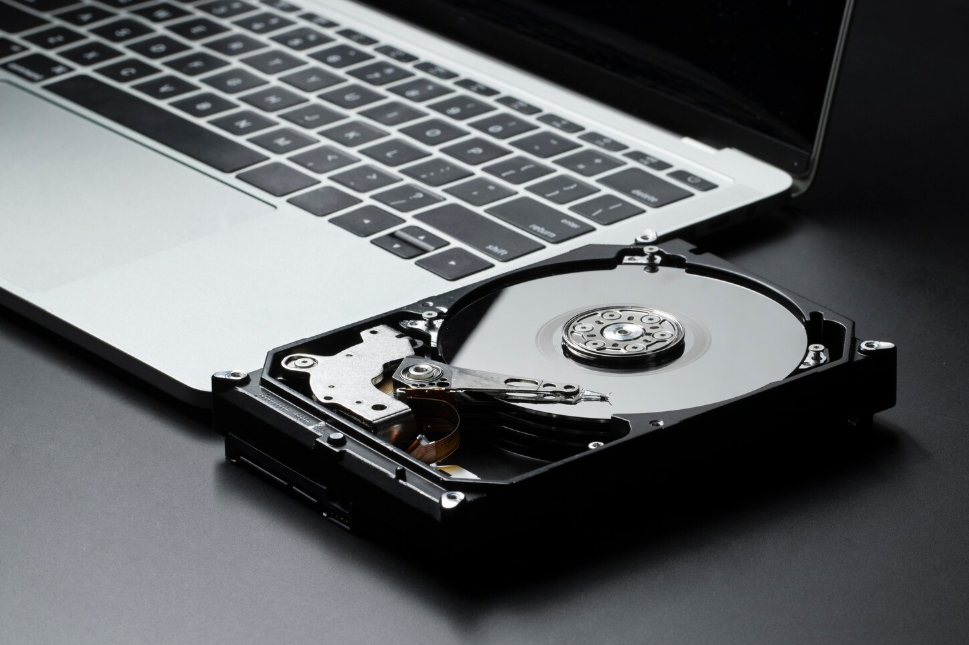
Use SATA cables or a USB docking station to connect the drives to a computer. This step helps access them with recovery tools. If you’re using Windows, don’t format any unknown volume that pops up.
Step 5: Use NAS Data Recovery Software
Install a NAS data recovery software to scan the drives. Some top tools include:
- ReclaiMe File Recovery
- R-Studio NAS
- EaseUS NAS Recovery
- UFS Explorer
These programs support Synology NAS data recovery, QNAP NAS data recovery, and more. They also help rebuild RAID automatically if needed.
Step 6: Rebuild the RAID (If Needed)
If your NAS used RAID (RAID 0, 1, 5, 6, or 10), software like R-Studio or UFS Explorer can help simulate the RAID setup virtually. Enter correct drive order and RAID level.
If you’re not sure, it’s better to contact a professional instead of guessing. Wrong RAID rebuild can permanently lose data.
Step 7: Preview and Recover Your Files
Once the scan is complete, the software will show your lost folders. Preview photos, documents, videos, etc. and select the ones you want to recover. Save them to another drive — never back to the same NAS.
Common NAS Devices Supported for Recovery
You can recover data from most popular NAS brands:
- Synology NAS: DiskStation models like DS220+, DS920+
- QNAP NAS: TS-451D2, TS-231K
- WD NAS: My Cloud EX2 Ultra, My Book Live
- Netgear NAS: ReadyNAS series
All these support NAS RAID data recovery and can be handled by trusted software tools or professional services.
Can You Recover Data from Failed QNAP or Synology NAS?
Yes, you can recover data from:
- Failed Synology NAS drive
- Corrupted QNAP NAS
- Dead or unresponsive NAS enclosures
Even if your NAS won’t power on, the hard drives inside still hold data. As long as the drives are healthy, there’s a good chance you can recover everything using software or experts.
DIY vs Professional NAS Data Recovery
If your issue is simple, like accidental deletion or basic file corruption, software might help.
But for complex problems like:
- RAID 5/6 failures
- File system damage
- Multiple disk failures
- Encrypted NAS setups
It’s safer to go with professional help. Certified engineers have the tools and clean-room labs to recover even critical data.
Tips to Prevent NAS Data Loss in Future
Here are easy ways to protect your NAS data going forward:
- Set up auto-backups to cloud
- Use UPS (battery backup) to prevent sudden shutdowns
- Replace old drives in RAID regularly
- Keep RAID setup notes written somewhere safe
Final Thoughts
Learning how to recover data from NAS hard drive can help save years of files and important documents. Whether it’s a Synology, QNAP, WD, or Netgear NAS, the key is to stop using the drive and follow proper recovery steps.
For more serious issues, don’t risk DIY attempts — get expert help.
Need Help with NAS Data Recovery in Australia? Visit 555 Data Recovery Co., – We offer fast and secure recovery solutions for all NAS brands and RAID setups.