RAID and NAS systems are used to safely store personal or business data. But like all technology, these systems can fail—sometimes without warning. Ignoring early warning signs can lead to permanent data loss.
In this article, you’ll learn the top 7 signs that your RAID or NAS system may be failing, and how to take fast action to avoid serious problems.Need urgent help? Visit our RAID & NAS Data Recovery Service in Brisbane for immediate support.
What Is a RAID or NAS System?
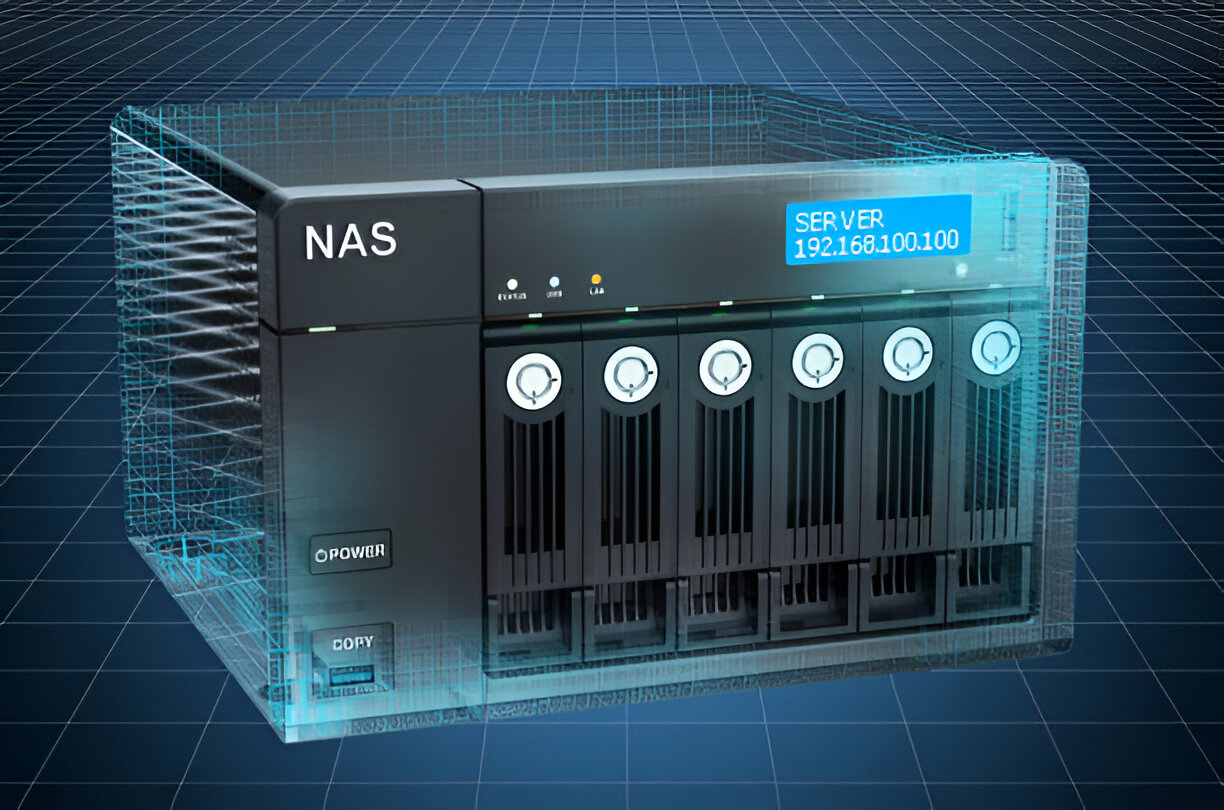
RAID (Redundant Array of Independent Disks) is a setup where multiple hard drives work together to improve storage performance or protect data. NAS (Network Attached Storage) is a device that connects to a network and stores files that can be accessed remotely.
Both are commonly used by businesses and tech-savvy individuals who need more control over their data.
Why RAID and NAS Systems Fail
RAID and NAS devices are reliable, but failure can still happen due to:
-
Power problems or power surges
-
Multiple hard drive crashes
-
Overheating or poor airflow
-
Accidental deletion or formatting
-
Software or firmware issues
These problems can damage your data or make it completely unreadable.
#image_title
Top 7 Warning Signs of RAID or NAS Failure
If your RAID or NAS system is showing any of the signs below, take action right away. Delaying could make data recovery harder or even impossible.
1. RAID or NAS System Slows Down
Your files and folders take longer to open. Apps may also freeze or respond slowly. This is a common early sign that a disk in the array is having issues.
2. Frequent Crashes or Freezes
Unexpected shutdowns or lockups while accessing files may mean that one or more drives are failing.
3. Clicking Sounds from the Device
If you hear clicking or grinding noises from the hard drives, this usually means a physical issue inside one of the drives.
4. Files Are Missing or Corrupted
When data suddenly disappears, or files no longer open correctly, there could be read/write errors happening in the background.
5. RAID Controller or NAS Shows Error Messages
Messages like “RAID Degraded,” “Drive Not Detected,” or “Volume Failed” are serious. If you see these, stop using the system immediately. Many users ignore these alerts until the entire array goes offline. This is one of the most critical signs of failure.
6. NAS or RAID Lights Blink Abnormally
Status lights on NAS or RAID units normally blink in a regular pattern. Unusual blinking can signal issues like drive failure or controller errors.
7. The System Overheats
If your device feels hot or shuts down to cool off, this can damage internal parts and cause permanent drive failure.
What You Should Do When You Notice RAID or NAS Failure Signs
-
Power off the device safely.
-
Do not try to rebuild the array or reset the NAS.
-
Avoid using software tools without professional help.
You should act fast. Waiting or trying random fixes often causes more damage.
How Experts Recover Data from RAID and NAS Devices
At 555 Data Recovery Co., our recovery team uses a step-by-step process:
-
We clone all drives to prevent further data loss.
-
We manually rebuild the RAID structure using advanced tools.
-
Our cleanroom environment keeps your drives safe from dust and damage.
-
We keep your data 100% private and secure.
We do not outsource any part of the recovery process. Everything is done in our Brisbane lab by trained specialists.
Why Brisbane Trusts 555 Data Recovery Co.
-
Experienced team with local presence
-
Fast response and recovery times
-
Affordable pricing with “No Data, No Charge” policy
-
Support for all RAID levels and NAS brands
If you live in Brisbane or nearby and face RAID/NAS problems, we’re here to help.